INSTALLATION GUIDE
System Requirements
Queens Vector uses cutting-edge Unreal Engine 5.7 features (Nanite, Lumen, and MegaLights). Please ensure your PC meets these specifications before launching.
Minimum (1080p / 30fps)
OS: Windows 11 (23H2 or newer)
CPU: Intel i5-12400 / Ryzen 5 5600
RAM: 16 GB
GPU (Nvidia): RTX 2060 (6GB VRAM)
GPU (AMD): RX 6600 XT
Storage: 25 GB Available Space
Recommended (1440p+ / 60fps)
OS: Windows 11
CPU: Intel i7-13700 / Ryzen 7 7800X3D
RAM: 32 GB
GPU (Nvidia): RTX 4070 / 5070 (12GB+ VRAM)
GPU (AMD): RX 7800 XT
Storage: 25 GB Available on NVMe SSD
Note: This game requires an SSD. Running from an HDD will cause severe stuttering and asset streaming errors.
Download Quantum Winter: Queens Vector PA-9
Please Note: Pre-Alpha 9 is an early version of the project and is not fully developed.
Download the Game:
Follow the provided link to access the game on Google Drive.
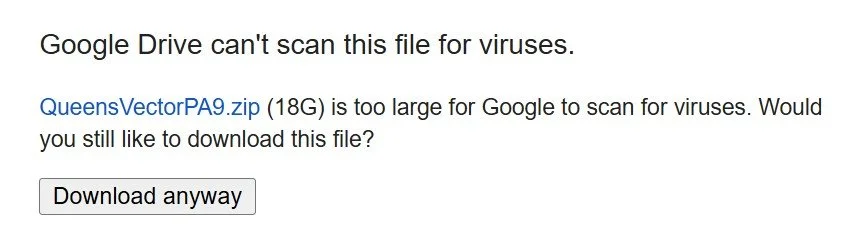
You may encounter an error message stating that Windows cannot scan the file. Click OK to download it anyway.
Extract the Game:
Extract the ZIP folder to the drive where you want to save the game.
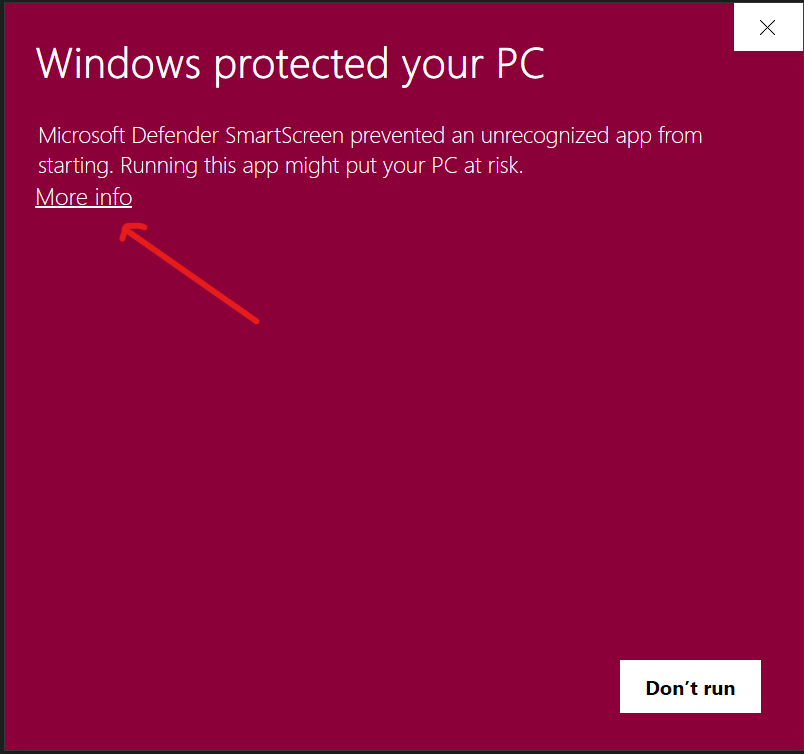
The first time you run the game, you may receive an error message from Windows Defender stating that Microsoft Defender SmartScreen prevented an unrecognized app from starting. This is expected behavior.
Run the Game:
Open the QueensVectorPA9 folder.
Navigate to the
Windowsfolder.Click the icon for the application Queens Vector.
Click More info to view additional options.
Then click Run anyway to start the game.

Bypassing Antivirus Blocks
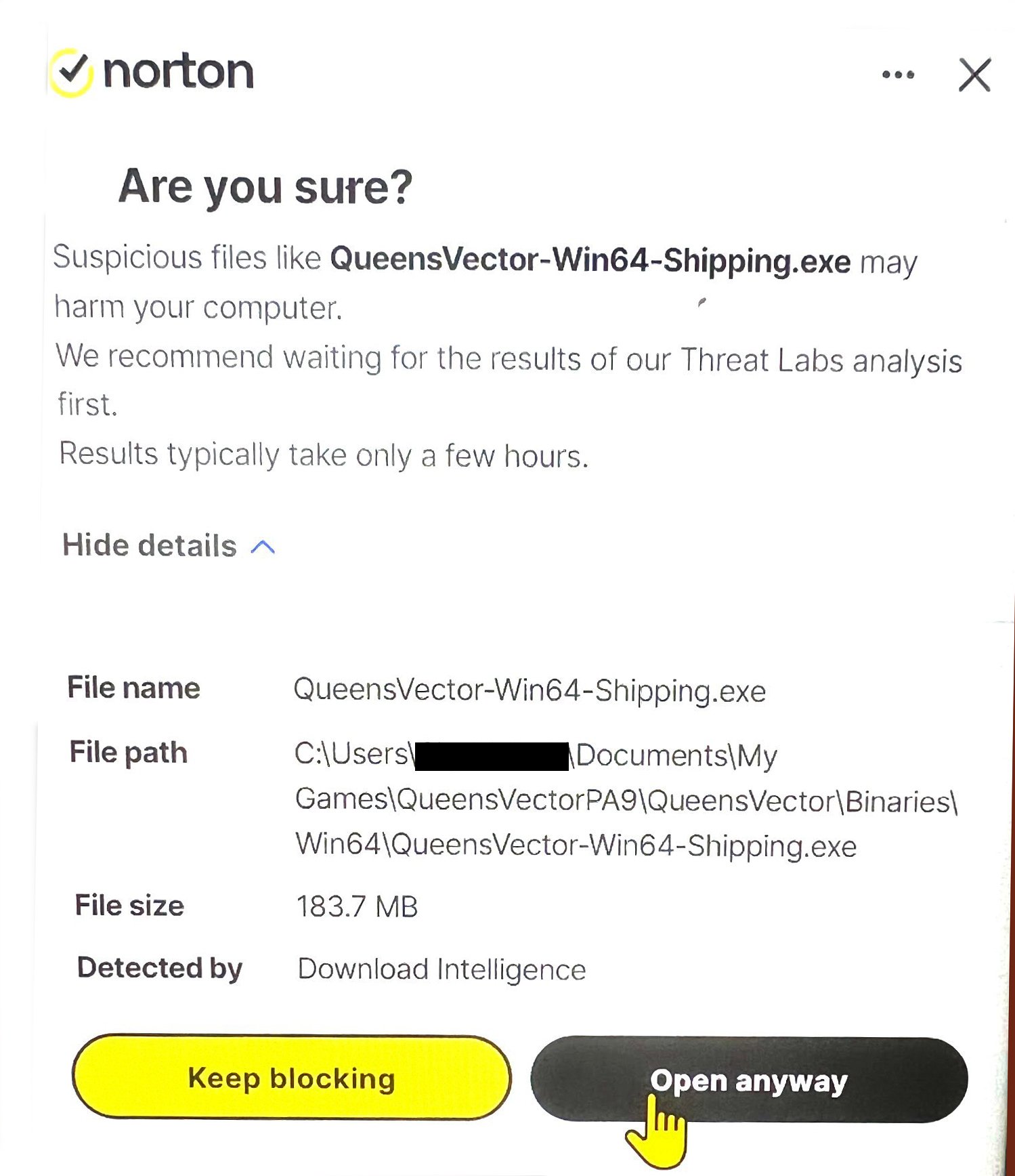
Since this is an internal, unsigned build, Norton Antivirus will likely flag QueensVector-Win64-Shipping.exe. This is a false positive based on the file's lack of a "digital signature."
How to Allow the Game:
Norton Pop-up: Click the More Options dropdown and select Always Allow or Exclude from Future Scans.
If the file is deleted (Quarantine): * Open Norton > Security > History.
Select Quarantine from the dropdown menu.
Locate the game file, click Options, and select Restore & Exclude.
General Rule: DO NOT run the game as Administrator. It is not required and does not bypass antivirus blocks.